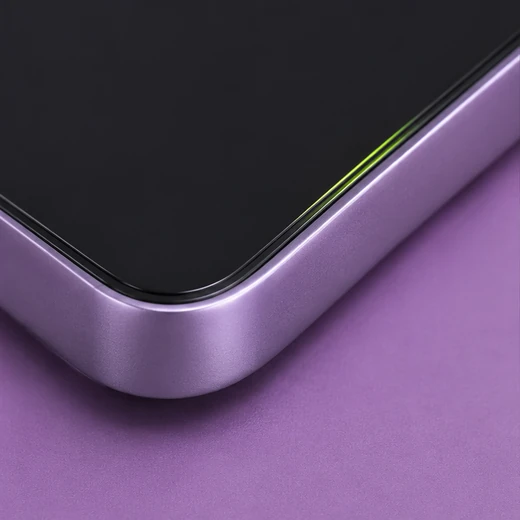
Very little wear
A clean finish with few visible marks.
Compare examples of wear and screen damage. Judge each device from its own photos and description.
Jump to screen damageA clean finish with few visible marks.
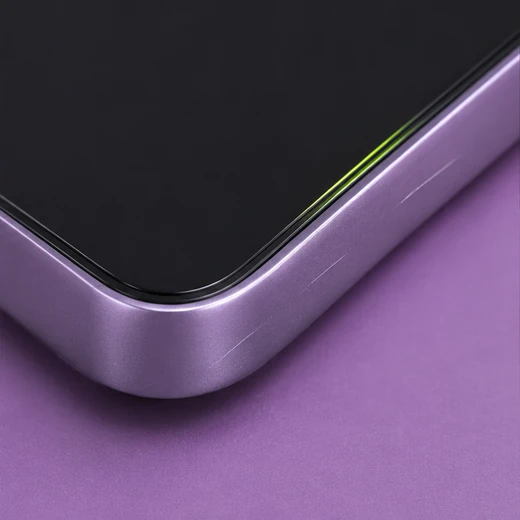
Fine scuffs or hairline scratches under angled light.
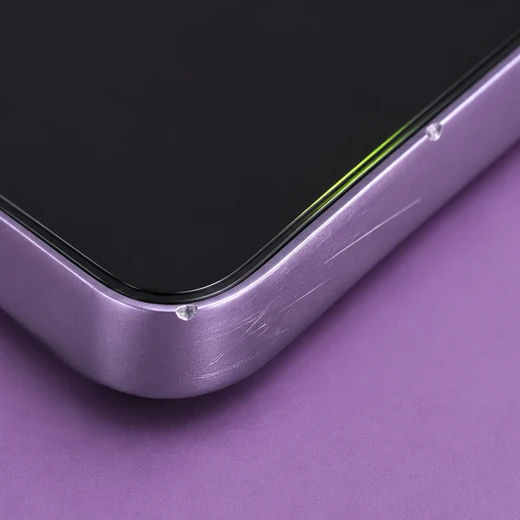
Clearer scratches, rub marks or small edge nicks.
Check the screen while it is off and again while it is on. A device can have more than one issue.
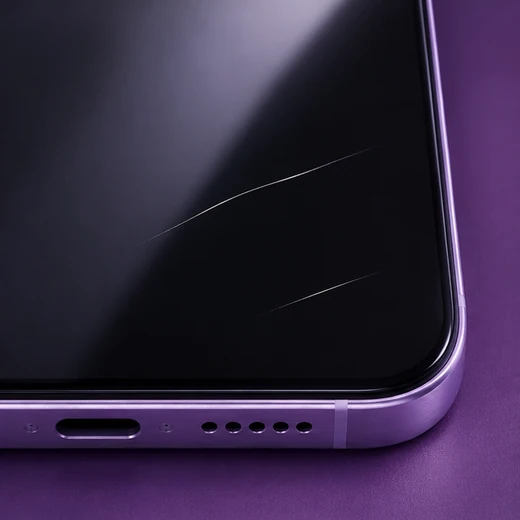
Fine or deep lines in the surface. Check whether they’re on a screen protector or the glass underneath. Say if you’re unsure.
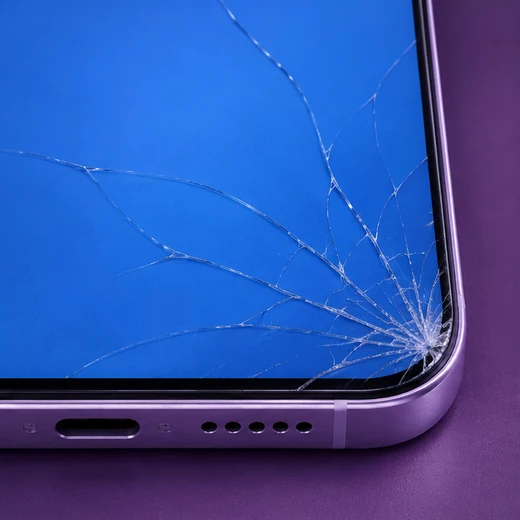
Report cracks or chips even if the picture and touch still work. Mention which corner or edge is affected.
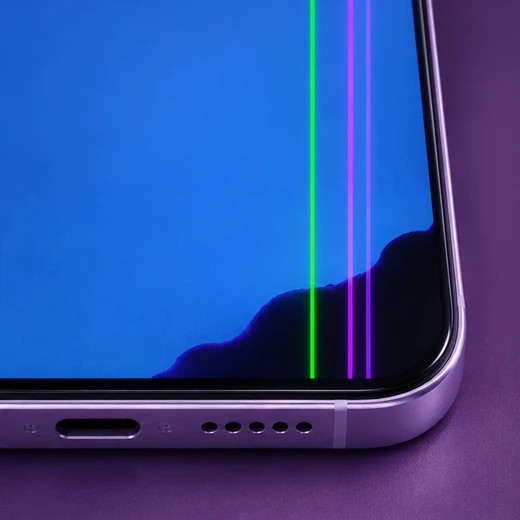
Report lines, black patches, flicker, discolouration or a blank display. The outer glass may still look intact.
Tell us if taps fail in one area, the screen responds by itself, or the problem comes and goes. Say if you can’t test touch.
When describing your device, note where the damage is, whether the picture works and whether touch responds. Mention damage to the back glass, frame, ports or buttons separately.